

Mansfield, TX
Medical Office Phone Systems, AI Answering and Video in Mansfield, TX
A Mansfield practice’s phone rings for patients, hospital units and pharmacies, often while the front desk is checking someone in. Cleod9 handles that on one cloud platform: an AI Voice Concierge for after-hours calls that never assesses symptoms, ring groups for professional callers, browser-based telehealth, and a BAA (confirm in writing which services it covers).
Book a DemoUpdated October 2026 · Cleod9 Voice, Arlington, TX
Trauma center, East Broad
Methodist Mansfield Medical Center is a 294-bed Level III advanced trauma center; a call from its staff should reach a person.
24/7 emergency department
Texas Health Hospital Mansfield runs a 24/7 emergency department; plan after-hours coverage, because hospital days do not stop at five.
Emergency hospital on 287
Baylor Scott & White Emergency Hospital – Mansfield sits on N. US 287; a nearby emergency hospital never replaces a 911-first greeting.
30-bed rehab hospital
ClearSky Rehabilitation Hospital in Mansfield has 30 beds; rehab coordination calls deserve a named destination, not the general line.
Calls that start somewhere other than a patient
A Mansfield practice’s main number rings for more than patients. Hospital units, pharmacies, other offices and family members all dial it, and each needs a different landing spot. In a city with an acute care hospital on East Broad, another on Lone Star Road and a rehab hospital, professional callers are a normal part of the day, and a nurse’s call should not wait behind three patients moving cleanings.
The sorting itself is handled by an auto attendant feeding ring groups organized by role: one rings whoever is staffing check-in that day, another rings the clinical staff who can take a handoff. Give professional callers their own option in the greeting so they skip the patient menu. Cleod9’s guide to call routing for small DFW offices explains how the pieces fit.
The pages in this group
Seven Mansfield guides break this down: after-hours patient call coverage, voice intake that works by ear, routing decisions drawn from call history, recording under HIPAA, telehealth visits, care-team video meetings, and phones for a practice that has no dedicated front desk.
After hours, decided one call type at a time
When the building is empty, the AI Voice Concierge picks up. It can take messages, book appointments, ask screening questions and warm-transfer a caller to the on-call path. What it does with each kind of call is the practice’s decision, written down before anything is configured. The after-hours AI patient call coverage guide works through that table row by row.
- First words of the greeting: in a medical emergency, hang up and call 911.
- Scheduling changes can be finished on the call, since the Concierge books appointments.
- Refill requests are captured with the details staff need and resolved by a person in the morning.
- Billing questions turn into messages, along with a callback time the office actually keeps.
- A caller can ask for the on-call path from any menu choice.
- No symptom checks, no medication advice, and no view on whether the caller belongs in an ER.
Telehealth, from the provider’s chair
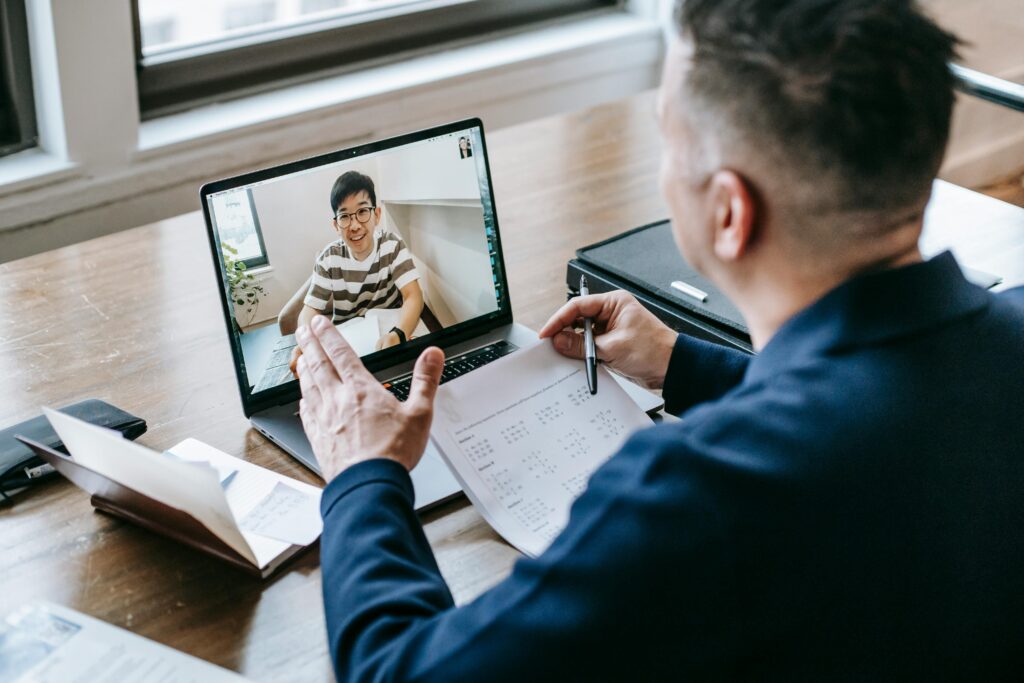
Cleod9’s web collaboration opens in a browser, nothing to install, and the patient arrives through a link. The patient’s end is the easy part. The provider’s end decides how the visit feels: a camera at eye level, light from in front rather than a window behind, and a headset so the microphone does not pick up the keyboard.
Standardize that kit across providers instead of letting each one improvise, so a bad picture can be diagnosed the same way every time. Say so when you turn to the chart on a second screen, because on video it reads as looking away. The telehealth video consults guide also covers providers who see patients from home.
Care-team video, for the people outside the building
Most internal coordination belongs in writing, in the x-bees team chat that comes with Cleod9. Video earns its place for a ten-minute start to the day before the first patient and for scheduled case discussions where everyone looks at the same information.
It matters most for the staff the hallway conversation never reaches: a biller working from home, or a provider at a second location. Decide before the first case discussion whether it is recorded, since a recording names identified patients, and ask Cleod9 where any meeting recording is stored.
What the call history already shows
Before changing any routing, look at four weeks of the practice’s own calls. Impressions of the phones tend to be wrong about when the trouble happens. Ask Cleod9 which of these its reporting shows; where a number is missing, a two-week tally at the front desk fills the gap.
Calls by hour and day of week, so staff schedules follow the shape of demand rather than habit.
Calls nobody answered, with how long each caller held before hanging up, broken out by hour.
Where each call ended: a person, a captured message, a voicemail box, or nowhere at all.
Numbers that called three times in one morning, which points to a failure rather than a persistent patient.
Leave average call length off the list of targets, because a target on it teaches the front desk to hurry patients. The patient call routing guide for Mansfield practices turns those counts into specific changes.
Recorded patient calls are patient information
Recording is automatic on the Cleod9 platform, and AI transcription and summaries turn a call into something a staff member can read before calling back. A recorded patient call is protected health information. Any vendor holding recordings, voicemail or transcripts is generally a business associate for HIPAA purposes. Cleod9 will sign that agreement; ask in writing which of your services it names.
For a practice, the harder questions are about access, not consent. Texas allows recording with one party’s agreement, and a line in the greeting saying calls may be recorded helps with patients phoning from all-party consent states. Then keep the playback list short and written, and pull one recording on purpose before the day a patient asks for a copy. The HIPAA call recording guide for Mansfield clinics covers those requests. This page is general information, not legal advice.
When nobody’s job is the phone
Solo and small specialty practices often have no one whose only task is answering calls. The rule worth holding is that a call never interrupts a patient encounter, and that rule only survives if the call has somewhere to go. After a short ring, an unanswered call reaches a structured capture, and a named person works that list at set times.
When that list keeps going unworked two days in five, or callbacks miss the promised window, the arrangement has reached its limit. A part-time hire for the busiest hours is often the answer, and the call history shows which hours.
Common questions
Will the AI Voice Concierge tell a Mansfield patient to go to the emergency room?
No. Before any menu plays, the greeting instructs a caller facing a medical emergency to hang up and call 911. After that, the Concierge stays out of clinical territory: it does not read symptoms, discuss medication or weigh how urgent something is. Callers who request a person, or whose answers trip a rule the practice wrote, go to the on-call path the practice set up. Have a clinician read the script before launch.
Can hospital staff calling a Mansfield practice skip the patient menu?
Yes, if the greeting gives them a way out. Add an auto attendant option for hospitals, pharmacies and other offices, worded so a nurse recognizes it on first hearing, and point it at a ring group of people who can take a clinical handoff. Ask the hospital liaisons you work with whether the option made sense the first time they heard it.
Does a signed BAA make the practice HIPAA compliant?
No. A business associate agreement covers how the vendor handles the patient information it stores. The practice still decides who can play recordings back, what its notice of privacy practices says and how staff answer a request for a copy. Ask how long recordings are kept and who controls that, and get the answer in writing. Have your compliance advisor review the agreement and those decisions.
What does a patient need to join a telehealth visit?
A browser, a quiet room and a backup plan. Cleod9’s web collaboration needs no plug-in, so the patient opens the visit from a link. Tell them which number to ring if the picture never appears, and decide in advance whether a dropped video visit continues by phone. That fallback matters most for older patients and anyone joining from a car.
Talking to Cleod9
The most useful thing to prepare is the after-hours table: one row each for scheduling, refills, billing, new patients and anything urgent, with what should happen to each. Add the names of the people who would take on-call transfers.
With that table in hand, a demo becomes a working session on your own call flow, BAA questions included. Book a demo and bring the people who answer your phones today.